

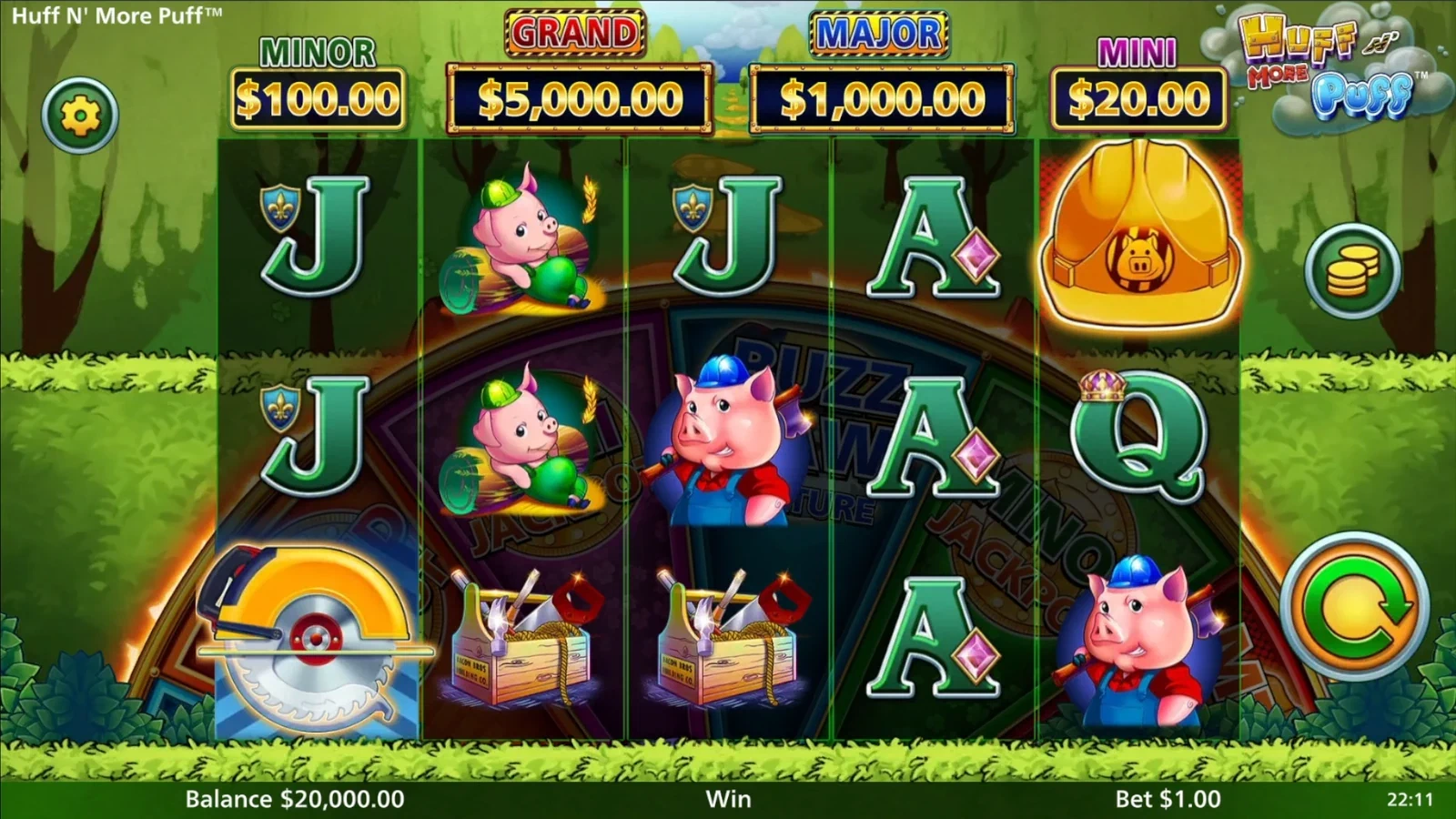
Start with the game controls#
Select Launch Demo in the frame, let the game load, then use its continue prompt. The screen shows a practice balance, the selected stake and the spin control. These are the numbers to locate first: the balance describes the session’s credit pool, while the stake is the amount assigned to one spin.
Open the settings or Help menu to read the reel rules and feature descriptions. The selected game is an online edition, and its own Pays screens govern the symbols and prizes in that window. The original Huff N Puff overview has the separate land-based credit payouts.
For a first look, keep the displayed stake steady and watch where the symbols land. Identify the Hard Hats and Buzz Saws before exploring any additional feature controls. That makes it easier to connect a trigger with the wheel or Free Spins sequence that follows.
What to watch during a spin#
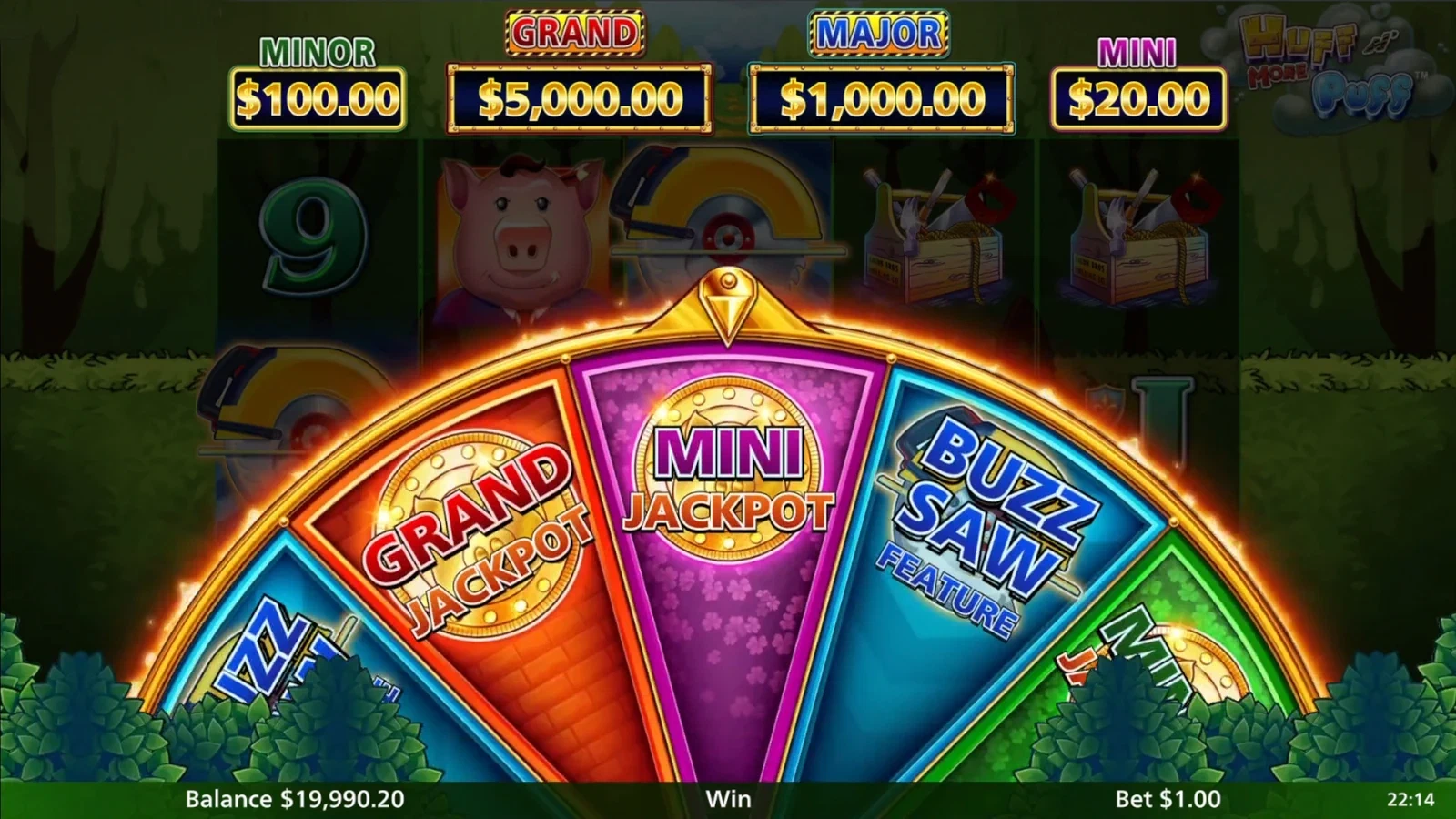
Ordinary symbol combinations and feature symbols serve different purposes. The five-reel More Puff format uses 243 ways for regular wins. Six or more Hard Hats trigger Free Spins, where repeated hats build up frames. Three or more Buzz Saws activate the feature wheel.
The wheel introduces another route into the action: it can lead to jackpot awards or the Buzz Saw, Mega Hat and Mansion features. Their detailed behaviour belongs to the More Puff rules page. Here, the practical task is to recognise which symbol started the feature and follow the prompts on screen.
Use the demo for a focused preview#
A practice session can answer concrete questions about the interface. Find the stake selector, see how the feature information is arranged and learn how the game returns to the reels after a bonus. Your results describe that practice session; RTP describes a game’s theoretical return across a much larger volume of play.
If you want the distinction between practice balances, social coins and money stakes, continue to free play. For the controls you can use to shape a session, read strategy and tips. The series overview helps when the title on another game screen includes Even More, Lots or Xtra.
Keep the game window comfortable#
On a phone, rotate to landscape if you prefer a wider view of the reels. Use the game’s sound and information controls for your session. The mobile page covers Apple, Android and browser access choices, including the distinction between online games and social casino products.
The partner button beside the demo opens game options separately from the practice controls. Choose that route when you are ready to explore another play format.